
3 Day Amsterdam Itinerary: Google Sheets Template
Matt - June 11, 2026
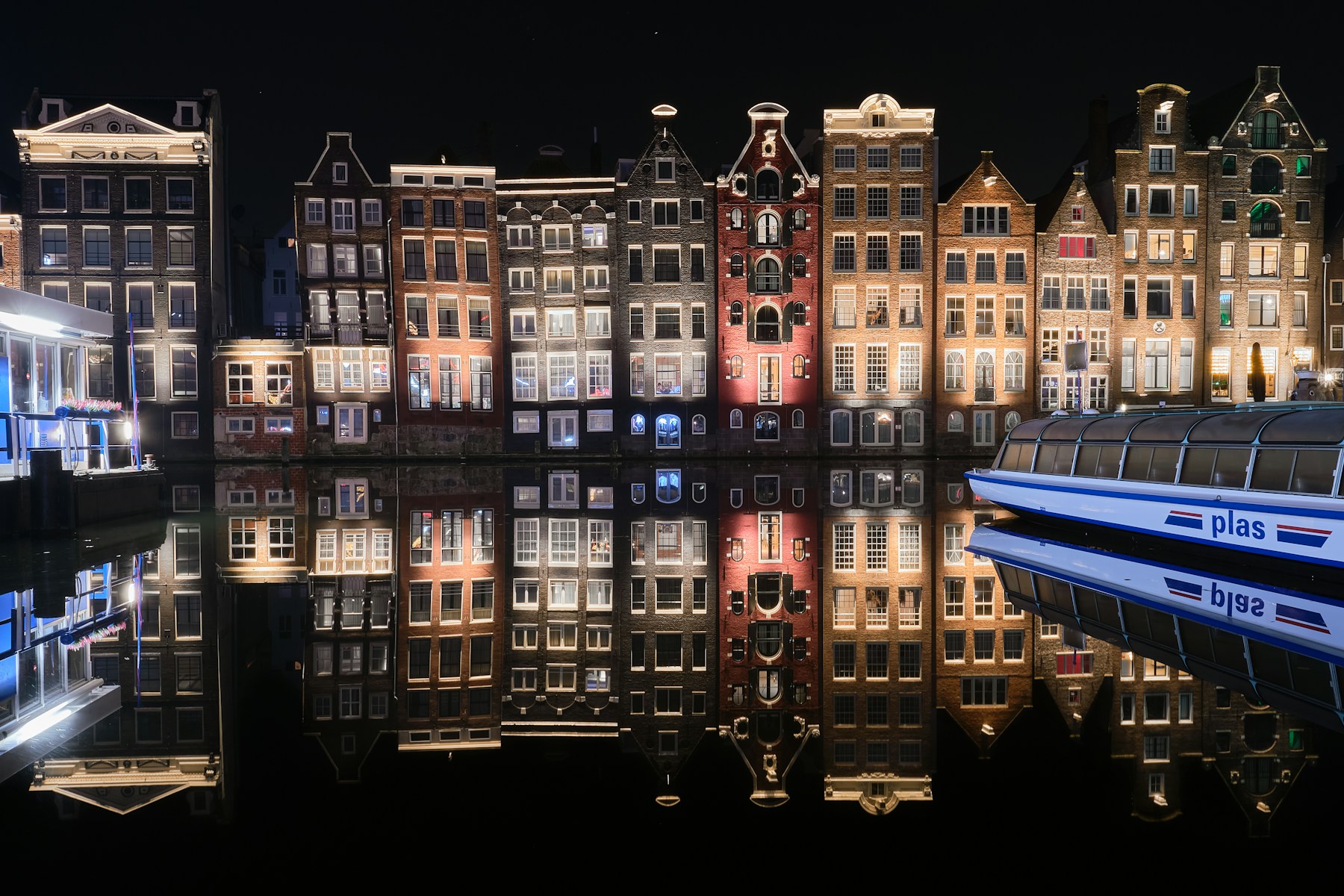
Use this 3 day Amsterdam itinerary to plan a first trip around the canal belt, Jordaan, Museumplein, De Pijp, Centraal, and Amsterdam Noord without starting from scratch. The Google Sheets template gives you a practical plan first: dates, times, places, links, notes, sample costs, checklist items, and extra ideas you can keep flexible until the trip takes shape.
Make a copy of the Amsterdam Google Sheets itinerary template. Add your lodging, replace the sample dates with your own travel dates, and keep restaurants, museums, or day trips unscheduled until they earn a real spot in your plan.

The template is free to use as a spreadsheet. When you want map-based planning tools, install Travel Mapper for Google Sheets to try the full add-on feature set for 7 days, including map view, Google Maps autofill, drag-and-drop itinerary editing, itinerary email, and Google My Maps export. If you do not subscribe after the trial, you can still keep using the basic Google Sheets template.
What this Amsterdam itinerary template includes
- A 3 day Amsterdam itinerary grouped around walkable neighborhoods and practical planning anchors.
- A practical day-by-day route for canals, museums, food stops, Amsterdam Noord, and flexible evening plans.
- Official visitor links for ticket-sensitive places such as the Anne Frank House, Rijksmuseum, Van Gogh Museum, NDSM, Stedelijk Museum, Rembrandt House, Our Lord in the Attic Museum, and STRAAT Museum.
- Unscheduled ideas to consider for restaurants, museums, markets, day trips, and weather-friendly swaps.
- A pre-trip checklist for timed tickets, lodging details, restaurant reservations, transit planning, weather, and sharing the plan with travel partners.
- A split-cost tab for calculating who owes what on group trips.
The itinerary also keeps extra ideas visible until you decide where they fit. If Foodhallen, Haarlem, Keukenhof, or a quieter museum sounds useful but you are not ready to commit, leave it unscheduled for now. When the day starts to come together, move the idea into the part of the trip where it actually fits.
Quick route summary
This route is built for a first Amsterdam trip where you want the classic sights, enough room to wander, and a realistic pace across three days.
Day 1 starts with the canal belt, Jordaan, Nine Streets, and the Anne Frank House. Day 2 centers on Museumplein, with the Rijksmuseum, Van Gogh Museum, Vondelpark, Albert Cuyp Market, and De Pijp. Day 3 keeps the morning central, then uses the ferry toward Amsterdam Noord for NDSM, A'DAM Tower, EYE Filmmuseum, and a flexible final evening.
Use the route as a starting point and adjust it around your reservations and interests. Amsterdam is compact, but timed museum tickets, canal walks, weather, restaurant timing, ferry planning, and group energy can change the best order quickly.
Day 1: Jordaan, the canal belt, and the Anne Frank House
Start with your real hotel or apartment address before you lock the first day. Amsterdam can look small on a list, but your lodging location changes whether Jordaan, Centraal, Museumplein, or De Pijp makes the most sense as a starting point.
The sample route starts with a gentle Jordaan canal walk, then keeps lunch close to the Nine Streets before a timed Anne Frank House visit. That gives the day a clear anchor and leaves the afternoon open for the surrounding neighborhood.
The Anne Frank House is the ticket to plan around earliest. Tickets are sold online for specific time slots, so book early if this is a must-do for your trip. The template keeps the official ticket page attached to the row so the booking detail stays next to the actual plan.
After the museum, stay nearby for Westerkerk, Prinsengracht, a canal-side break, or dinner in Jordaan. This is not the day to force every famous Amsterdam area into one loop. A good first day gives you the canals, a major historical visit, and enough breathing room to recover from arrival or jet lag.
If the day is going well, add a canal cruise near dinner. If the day is running long, keep the cruise unscheduled and use it later. Amsterdam has enough short walks, cafes, and canal views that a lighter evening often works better than a rigid late plan.
Day 2: Rijksmuseum, Van Gogh Museum, Vondelpark, and De Pijp
Day 2 is the museum day. The template starts with the Rijksmuseum, leaves a reset break near Museumplein, then moves to the Van Gogh Museum in the afternoon.

This order works because both museums are close together, but they still take real energy. Book timed tickets first, then build the rest of the day around one or two nearby stops.
The sample costs in the sheet are there to help you budget. Check the official ticket pages before booking, because prices, student rules, youth tickets, and timed-entry availability can change.
After the Van Gogh Museum, spend some time walking or relaxing in Vondelpark. Then move toward Albert Cuyp Market and De Pijp if the group still has energy. De Pijp works well for dinner because it gives the day a different neighborhood without sending you far from the museum area.
If your group prefers a slower museum day, keep Stedelijk Museum, Rembrandt House, Our Lord in the Attic Museum, and other museum ideas unscheduled. They are useful backup options, but they should not crowd out the two museum anchors unless they're higher priority for your trip.
Day 3: Central Amsterdam, Amsterdam Noord, and a flexible final evening
Day 3 starts light around Begijnhof, Spui, Dam Square, and the Royal Palace area. This gives the morning a central route before you head toward Centraal for the ferry to Amsterdam Noord.
From Centraal, check current GVB ferry information before building the afternoon around a specific crossing. The template keeps the ferry row in the itinerary because timing matters more when lunch, NDSM, and your final evening are all connected to the same side of the IJ.

In Noord, the sample route uses NDSM for lunch, street art, and a looser afternoon. NDSM is a former shipyard area with creative spaces, hospitality, art, and events, so it is worth checking what is happening before you make it a major part of your day.
If the ferry timing, weather, or museum fatigue makes Noord feel too involved, keep it optional and use one of the unscheduled ideas instead. Foodhallen, a calmer museum, a canal-side neighborhood walk, or a final dinner near your lodging may be the better version of the day.
For the final evening, end close to where you are staying or near Centraal if you leave early the next morning. Add luggage storage, airport transfer, train timing, and your final dinner to the itinerary so those details are easy to find.
Optional Amsterdam ideas to keep in the itinerary
The Amsterdam template includes unscheduled ideas for Foodhallen, Winkel 43, Moeders, Pllek, Stedelijk Museum, Rembrandt House, Our Lord in the Attic Museum, STRAAT Museum, Hortus Botanicus, Waterlooplein Flea Market, Brouwerij 't IJ, Haarlem, Zaanse Schans, and Keukenhof.
They are not scheduled yet on purpose. Some are weather backups. Some are food ideas. Some are better if you are staying nearby. Some, like Keukenhof, are seasonal and only make sense for certain travel dates.
This is also where the Travel Mapper Chrome Extension can help during research. If you are looking at restaurants, museums, hotels, or things to do on Tripadvisor, Google Maps, travel blogs, or booking sites, the extension can help you add promising places into your Travel Mapper itinerary from the page you are viewing. You can leave them unscheduled until the plan is ready.
How to customize the Amsterdam spreadsheet
First, add your lodging. Your hotel or apartment changes the best order for mornings, dinners, ferry timing, and whether a museum-heavy day should start from the west, south, or center of the city.
Next, replace the sample dates with your real travel dates. Keep confirmed museum tickets and reservations in the planned schedule, and leave backup ideas unscheduled until they fit naturally.
Then add ticket windows, restaurant links, confirmation numbers, opening-hour notes, and group preferences as they become real. Amsterdam trips often change because of weather, timed tickets, arrival delays, or how much walking the group wants after a museum morning.
Finally, use the Split Costs tab if you are traveling with other people. Lodging, museum tickets, canal cruises, bike rentals, groceries, group dinners, and local transit are easier to settle when the shared costs live beside the itinerary.
How Travel Mapper helps after you copy the sheet
The spreadsheet is the planning base. Travel Mapper adds the map layer when you want to see your Amsterdam stops together and decide whether the day order still makes sense.
That is useful here because Amsterdam planning is often about small choices that change the feel of a day. Should the Anne Frank House anchor the afternoon or morning? Is De Pijp still worth it after two museums? Does Noord make sense on the final day, or would a lighter canal-side evening be better? Seeing the itinerary on a map helps you answer those questions before you commit to tickets and reservations.
Travel Mapper also helps when the plan changes. You can use Google Maps autofill to add place details, fine tune the day with drag-and-drop itinerary editing, email an itinerary summary for easier during-trip reference, split shared costs, and export places to Google My Maps if you want that extra reference.
If you are planning a broader Europe trip, the same workflow also fits the multi-city trip planning guide. For a more general reusable planner, start with the free Google Sheets travel planner template.
Amsterdam itinerary FAQ
This section covers the common planning questions people usually have before they copy the template and start editing.
Is 3 days enough for Amsterdam?
Three days is enough for a first Amsterdam itinerary if you focus on a few strong anchors: canals and Jordaan, Museumplein, De Pijp, and one flexible final day for central Amsterdam or Amsterdam Noord. Three days gives you time for several major museums, markets, restaurants, and neighborhoods at a comfortable pace.
Use the extra ideas in the template as a short list of possibilities, then choose what matters most once you know your lodging, ticket windows, and travel pace.
Should I book Amsterdam museums in advance?
Yes for the highest-priority stops. Book the Anne Frank House early if it is important to your trip, and check timed-entry availability for the Rijksmuseum and Van Gogh Museum before you plan the rest of your museum day.
The template includes official visitor links directly in the itinerary so ticket checks stay attached to the relevant day.
Should I add a day trip from Amsterdam?
Haarlem, Zaanse Schans, and Keukenhof can all make sense, but they compete with limited Amsterdam time. For a first 3 day trip, keep day trips as unscheduled options until you know whether you want more city time or a half-day outside Amsterdam.
If you add a day trip, add train timing, opening hours, tickets, meals, and return plans to the itinerary so it becomes part of the real plan.
Can I use the Amsterdam template without installing Travel Mapper?
Yes. You can copy and use the Google Sheets itinerary for free. It still works as a planning spreadsheet for dates, times, places, notes, links, costs, checklist items, and shared expenses.
Travel Mapper is the upgrade when you want map-based itinerary planning inside Google Sheets: seeing your itinerary on a map, using Google Maps autofill, adjusting the order with drag-and-drop editing, emailing the itinerary, exporting places to Google My Maps, or adding places from the web with the Chrome Extension.
Does Travel Mapper automatically optimize an Amsterdam route?
No. Travel Mapper helps you see your itinerary on a map and adjust the plan, but it does not draw connected route lines or automatically optimize every stop for you.
That is intentional for this kind of trip planning. The map gives you context to decide how best to sequence your itinerary.